Improve Ubuntu 18.04 Battery by installing TLP for Linux
TLP is a great command line tool for improving the battery performance for your laptop after installing Ubuntu 18.04 LTS. This advanced power management tool comes with automated background tasks which can help you get the most out of your battery.
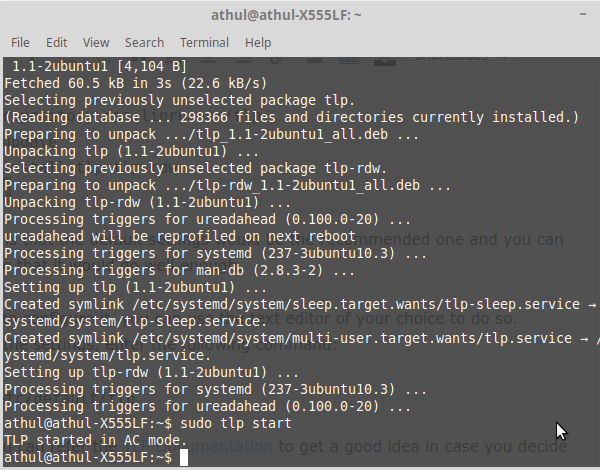
To install TLP in Ubuntu 18.04,
sudo add-apt-repository ppa:linrunner/tlp
sudo apt-get update
sudo apt-get install tlp tlp-rdw
sudo tlp start
Most noteworthy is that the default settings would be the recommended one and you can be safe to assume that it would do well enough.
Still, if you want to configure it, you can use the text editor of your choice to do so. Hence, to tweak the settings, enter the following command:
sudo gedit /etc/default/tlp
Consequently, you can refer the TLP Documentation to get a good idea in case you decide to configure the settings.
Note: Always be cautious when trying out different settings as effects may vary depending on machine hardware.
Comments
Post a Comment